parent portal
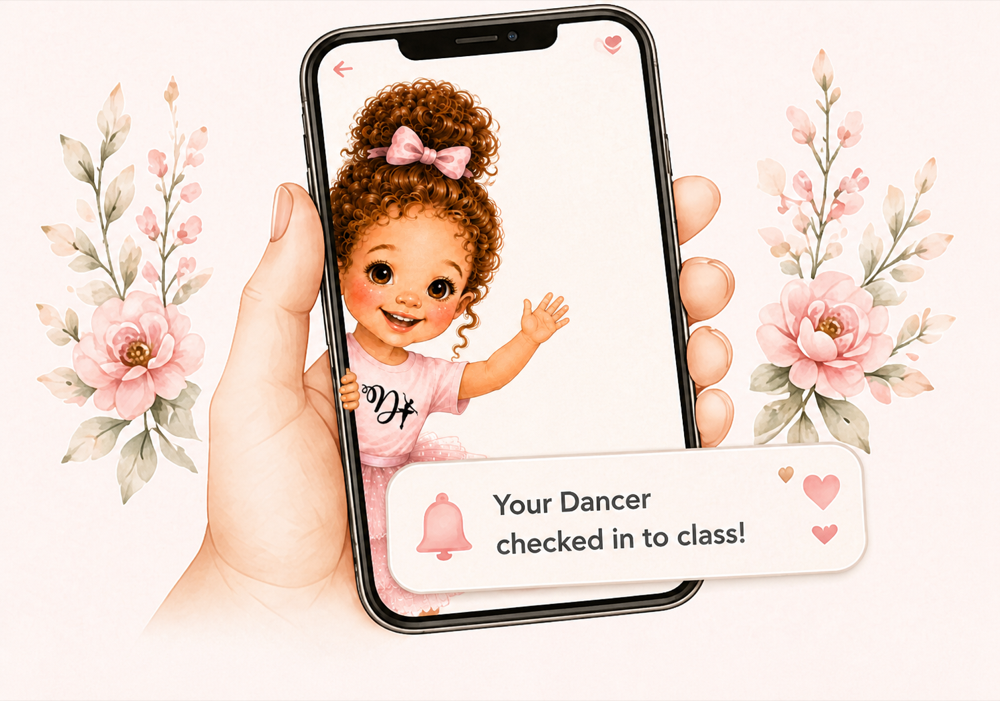
View your dancer’s photos, class updates, important information, manage enrollment, and stay connected all year long.
Log In

View your dancer’s photos, class updates, important information, manage enrollment, and stay connected all year long.
Log In
Plan your day, access curriculum and music, track classes and resources, and stay connected with the teaching team.

Oversee your territory, partner schools, teaching team, enrollment, and franchise operations.

Teacher Tools
A Dance Techniques director needs to activate your access before you can use the portal.
Enter your account email and we’ll send you a secure link.
Create a private password with at least eight characters.
 Dance Techniques
Lexi • Monday schedule
Dancers in your assigned classes
Your assigned schools and classes
Pick up, fill, and deliver dancer orders
Pull your own T-Shirt and bag orders, then confirm everything you collected.
Select every order as you physically collect it.
Deliver these through the class roster on dance day.
Pull your boutique orders, select what you collected, and print labels when needed.
Collect every completed order assigned to you.
Deliver these orders to their dancers on dance day.
Week 1 • Ballet
la pointe - princess toes • pied flexe - troll toes • premiere position • bras bas
Choose a song
Upload Photo
Choose phone alerts and personal quiet hours.
Notifications will always remain available inside Teacher Tools.
Securely sign out of Teacher Tools on this device.

Support your teachers, schools, and daily operations.
Build the experiences that make Dance Techniques special.
Listen to the teaching team and turn their feedback into thoughtful improvements.
Loading feedback…
Your Dance Techniques music workspace, right inside Director Dashboard.
Browse the complete Dance Techniques costume inventory and match dancer sizes.
Plan every show, performance, costume, and recital detail in one beautiful place.
Manage the financial details that keep Dance Techniques moving, growing, and shining.
Every class, adjustment, and payment—beautifully accounted for.
Every finalized payday, organized by teacher.
Every school benefit and payment, clearly connected to its dancers.
Review every family invoice before a card is charged.
Billing scope: Primrose Rowlett · 4/5s only
Review saved cards, approve automatic billing, inspect invoice lines, and handle withdrawal requests before anything is charged.
No production charges are available from this screen.
Create beautiful, personal updates for families and partner schools.
Build and organize the daily encouragements that greet every teacher.
The behind-the-scenes home for products, inventory, and orders.
This is where you will build the parent-facing boutique: product photos, sizes, prices, availability, affiliate links, and eventually orders.
Coming NextManage every Dance Techniques partnership from one organized place.
Upload a district PDF and automatically apply its confirmed no-school dates to assigned schools and teacher schedules.
Keep every class, teacher assignment, roster, and future dancer beautifully coordinated.
Ready for your review and class placement.
Welcome every new dancer and keep every student beautifully organized.
Completed trials ready for Director follow-up.
Only families who still need a Parent Portal invitation appear here.
View and update teacher information, schedules, schools, payroll, and more.
Ensure every class stays on pace with the Dance Techniques curriculum.
See the full teaching team calendar at a glance and manage schedule changes.
Verify attendance and decide whether personal events are paid. Only the regular Teacher pay tier appears here; Founding Teacher and leadership tiers are excluded.
Messages and newsletters for your Dance Techniques community.
A running home for every automatic parent post, reminder, and team summary.
Only this short title and subtitle appear in the phone notification. Your fully formatted announcement appears inside Teacher Tools.
Design class plans that keep every teacher confident and every lesson consistent.
Cards are organized by category. Add a card to the lesson flow, then drag it into the correct section.
Teacher checklists are generated from these sections. Empty sections stay hidden in class.
Record each teacher’s current certification details and renewal dates.
Build a week by dragging reusable cards into the class flow. Week copies can be edited without changing the original card.
Cards stay reusable here. Dropping one into a week creates an editable copy.
Teacher checklists are generated from these sections. Empty sections stay hidden in class.